Gamer Flick
Compete. Connect. Conquer.
Gamer Flick is the ultimate social platform for gamers. Connect with players worldwide, chat in real time, explore features, share your best gaming moments, join communities, and compete in tournaments for glory. See our FAQ or contact us for more info.
Features
Real-time Chat
Connect with fellow gamers instantly through our real-time chat system. Share strategies, form teams, and build friendships. Learn more in FAQ.
Community Creation
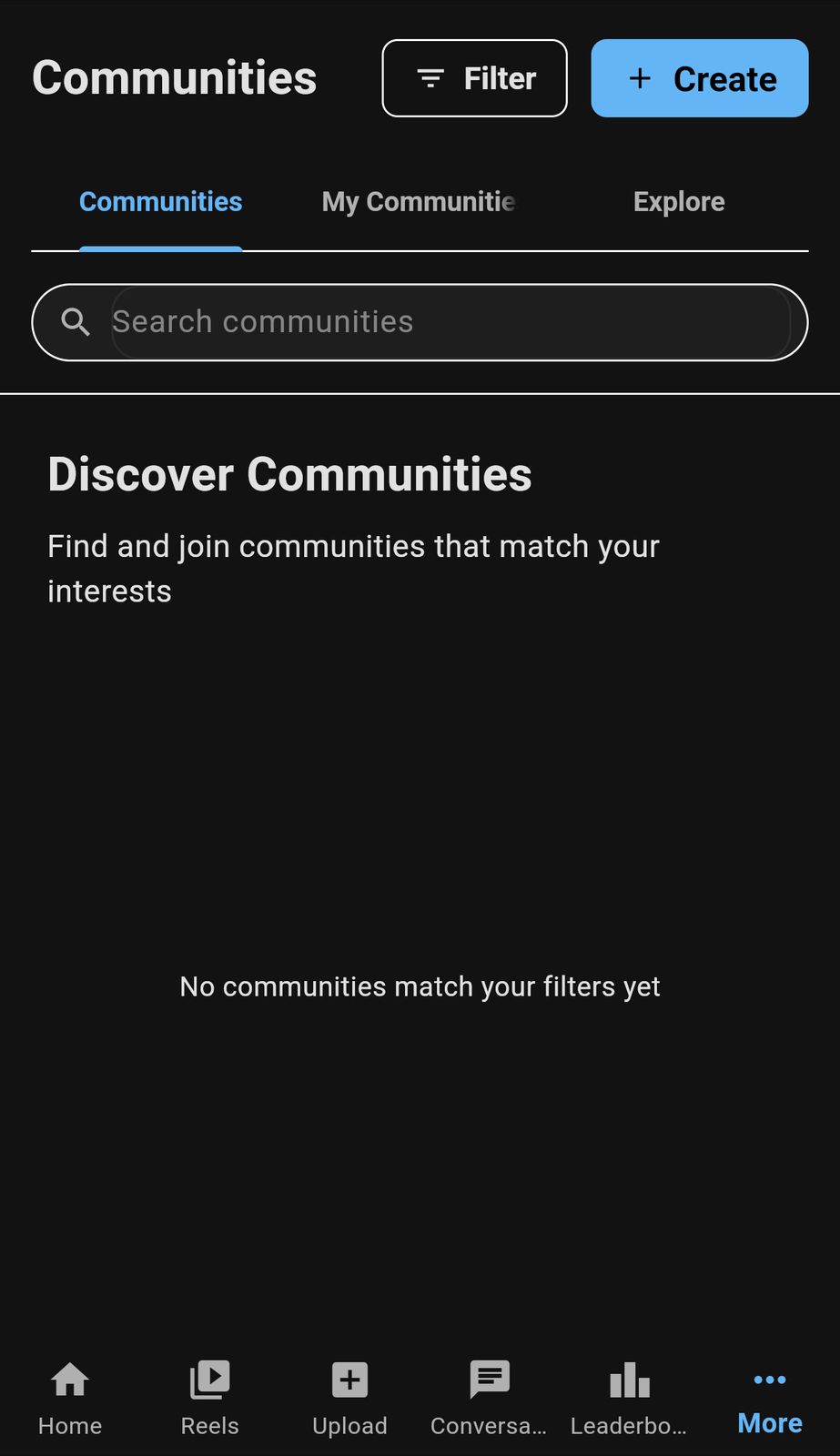
Create and join gaming communities. Find players who share your interests and build your own gaming tribe. Contact us to suggest a new community feature!
Content Upload
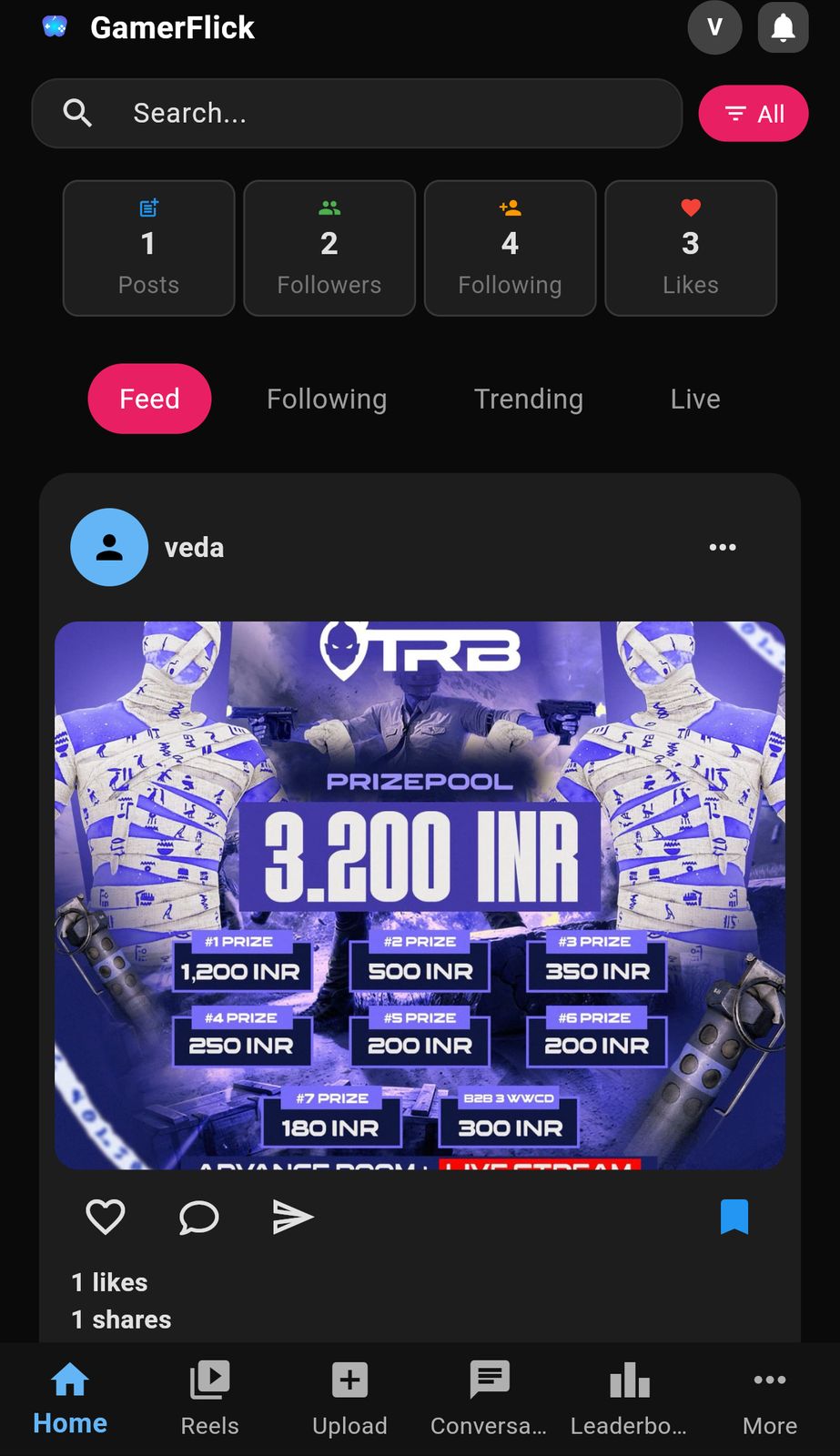
Share your gaming moments with images and videos. Show off your skills and epic plays to the community. See how in FAQ.
User Profiles
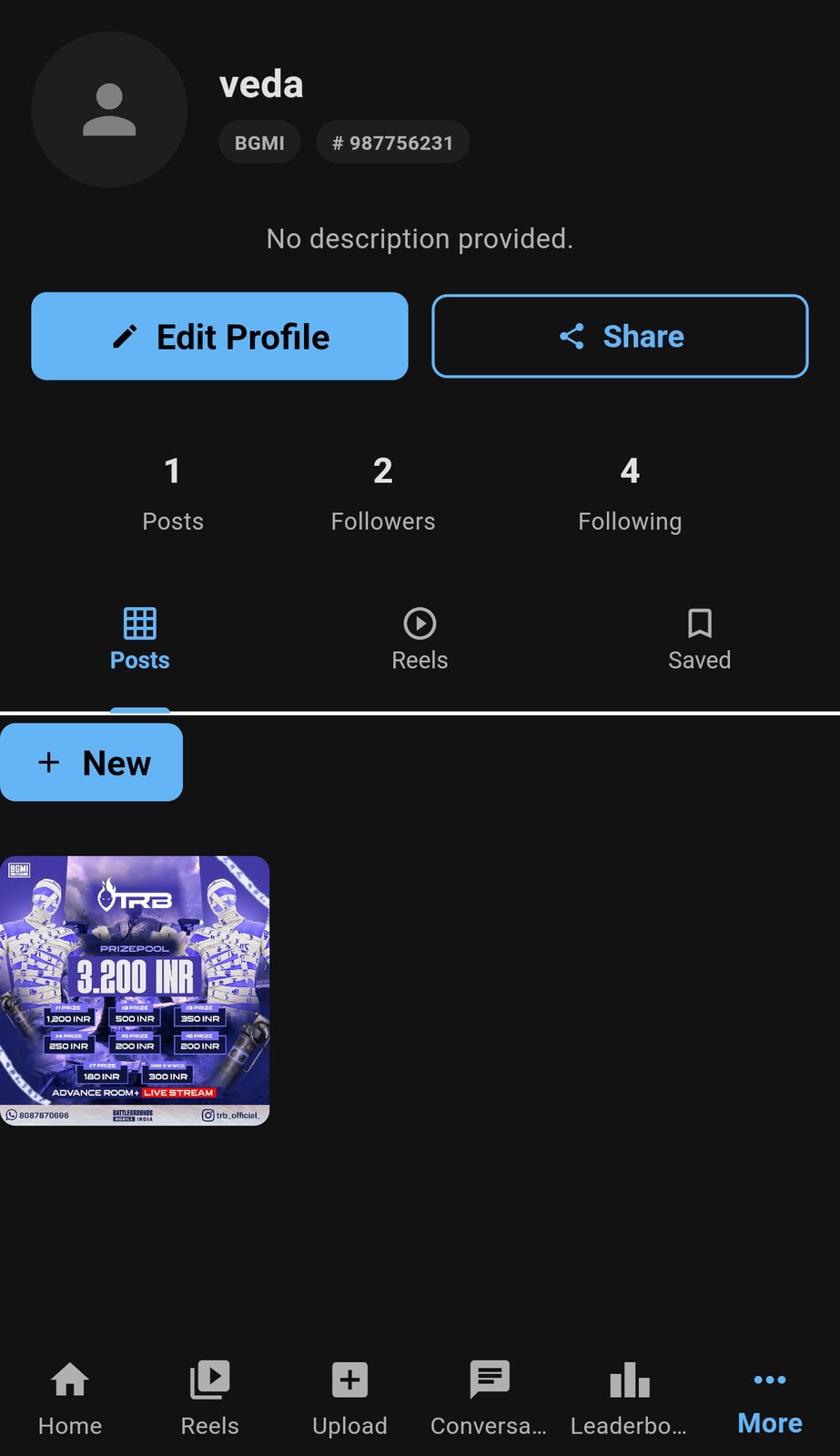
Customize your profile with achievements, stats, and gaming preferences. Let others discover your gaming journey. Need help? Contact us!
Cross-Platform
Access Gamer Flick on any device. Seamlessly switch between mobile app and web version. See supported platforms.
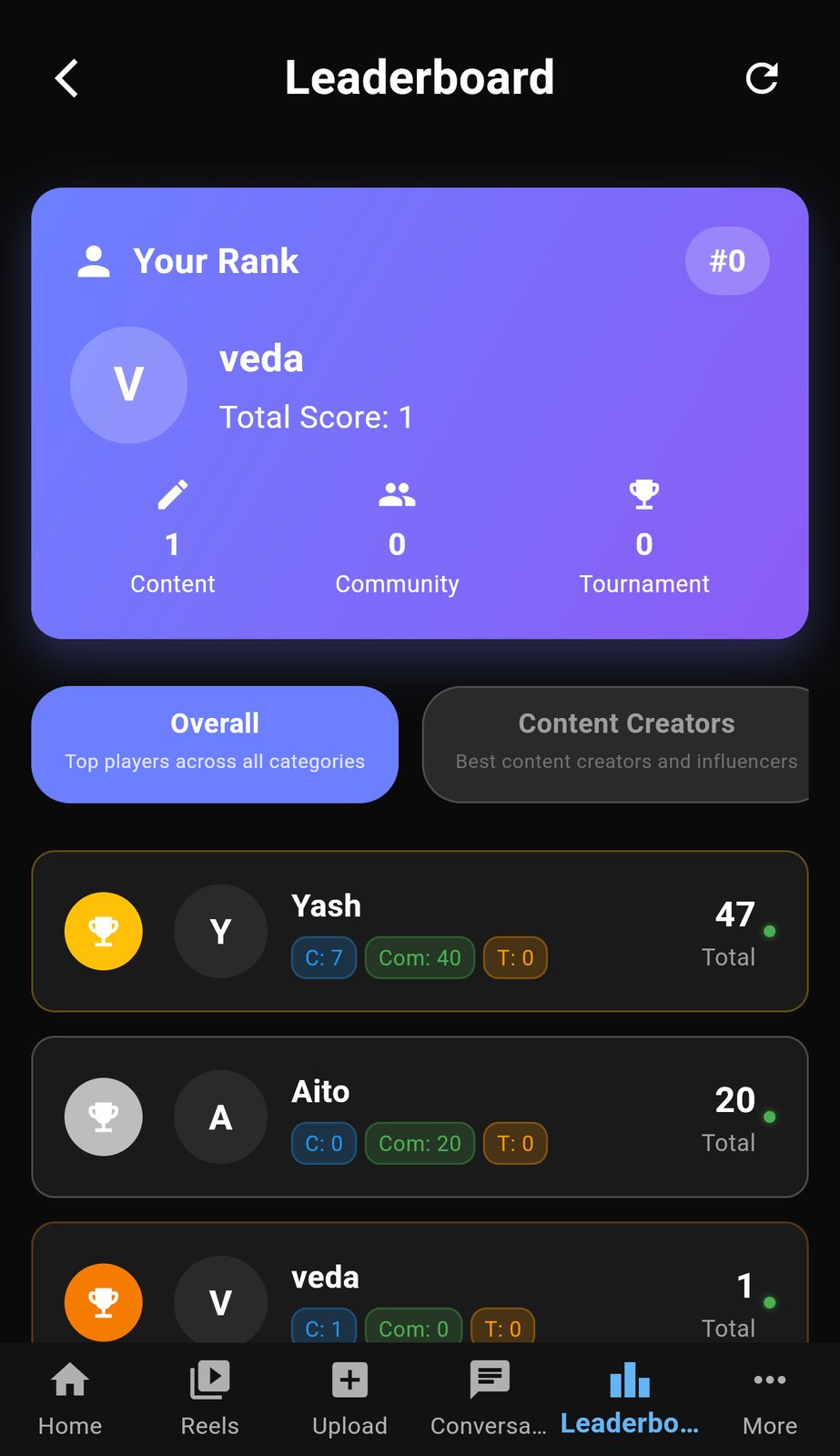
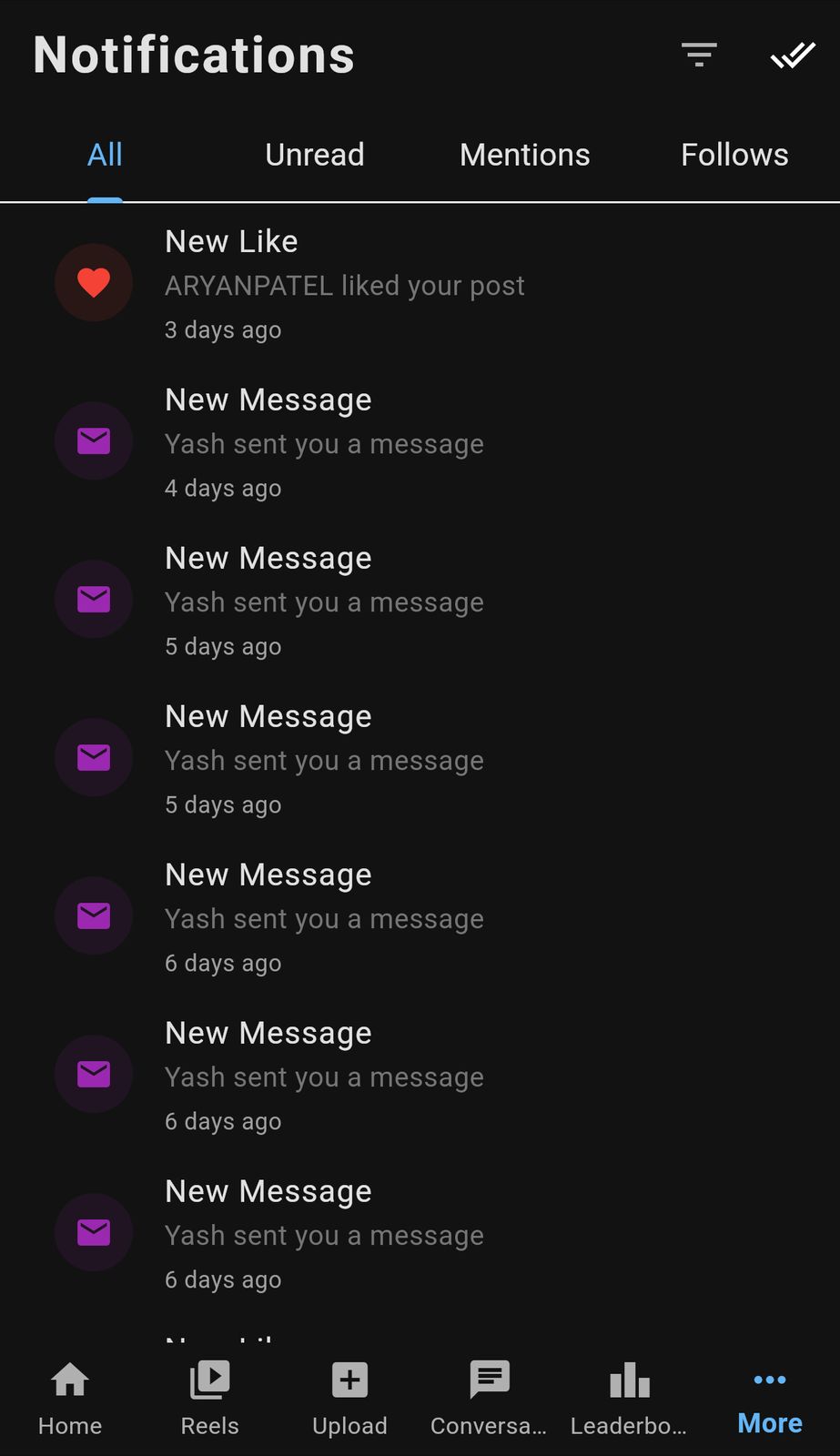
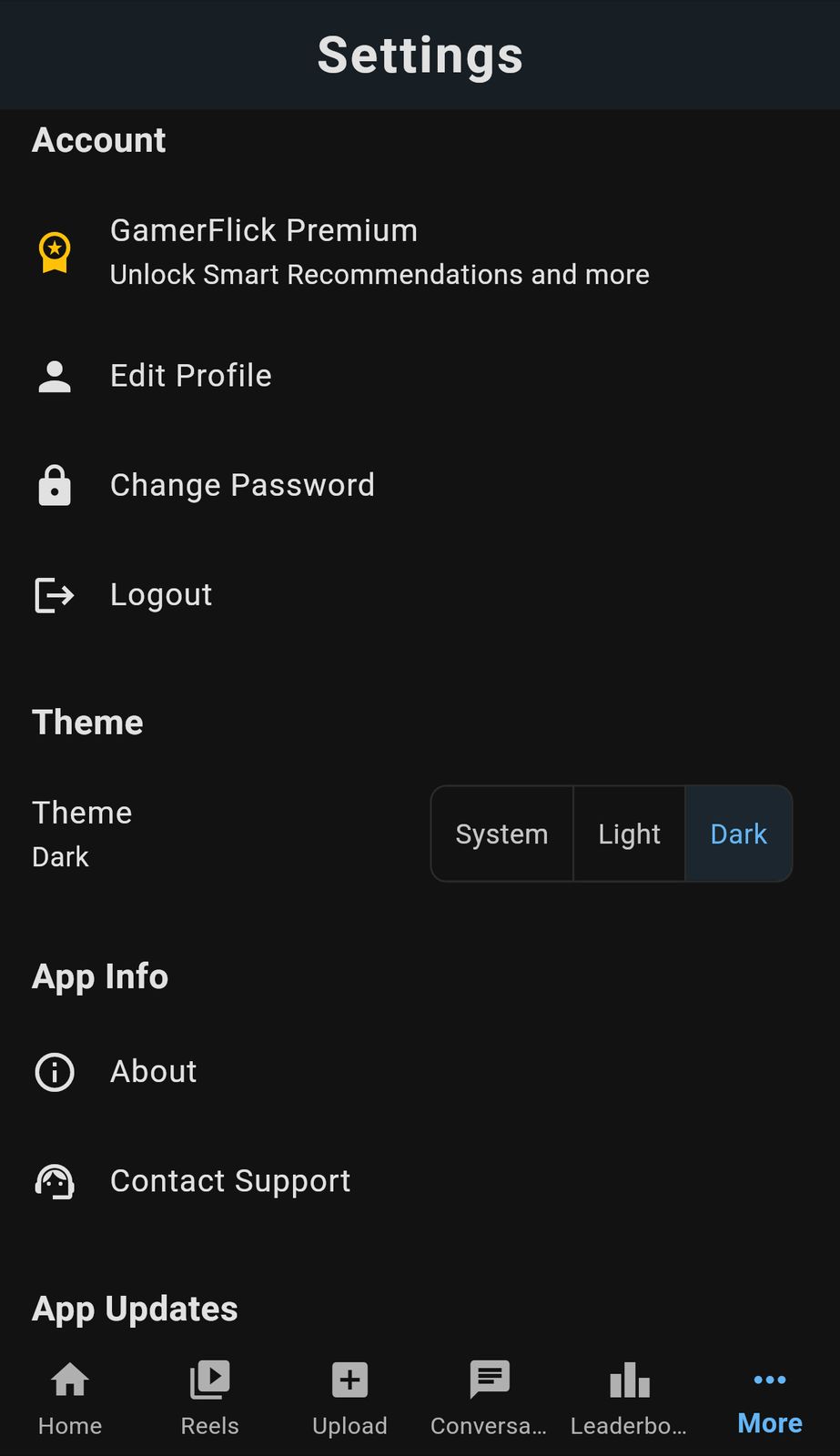
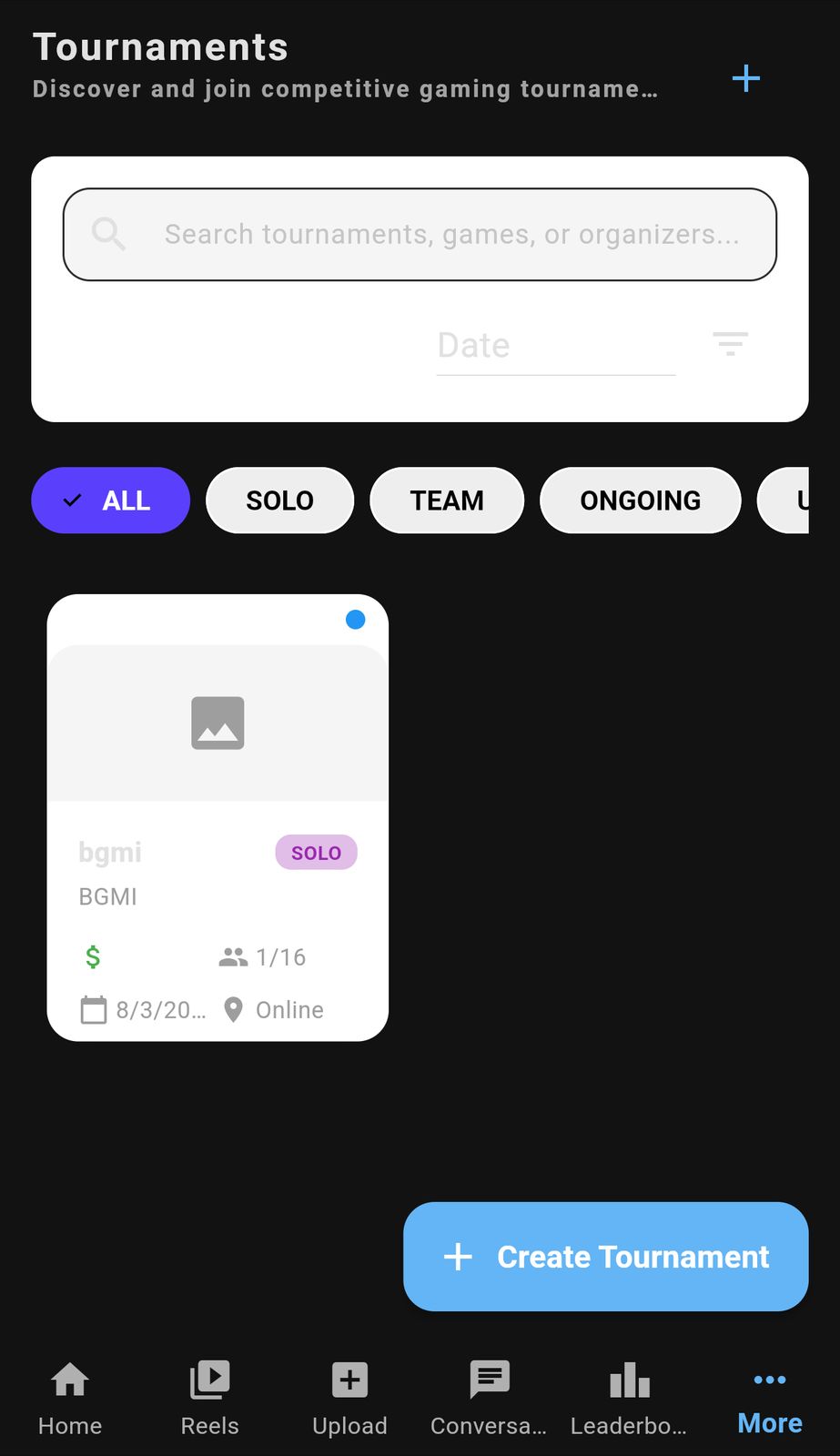
App Screenshots
Frequently Asked Questions
How do I install the APK?
Download the APK file from our website, enable "Install from Unknown Sources" in your Android settings, and run the installer. Follow the on-screen instructions to complete the installation. Need help?
Is Gamer Flick free to use?
Yes! Gamer Flick is completely free to download and use. All core features including chat, communities, and tournaments are available at no cost. See all features.
Can I use Gamer Flick on iOS?
Currently, Gamer Flick is available for Android devices and web browsers. iOS support is coming soon! Request iOS updates.
How do I create a community?
Navigate to the Communities section, tap the "+" button, and fill in your community details including name, description, and privacy settings. Learn more about communities.
Is my data secure?
Absolutely! We use industry-standard encryption and security measures to protect your personal information and gaming data. Contact us for privacy info.
Get in Touch
Need Help?
Join our Discord community for support, updates, and to connect with other gamers!
Join Discord